


Using the right website speed optimization tools is a critical business strategy, not a technical afterthought. If your website takes more than three seconds to load, you’re losing customers. For a local business, this delay means potential clients searching for your services are clicking away and heading straight to your faster competitors.
A slow site not only frustrates visitors but also signals to Google that you offer a poor user experience. This directly harms your search engine rankings, making your Google Ads and Meta Ads campaigns more expensive and less effective. Most businesses lose money because they fail to connect site speed to lead generation.
This guide moves beyond generic advice. We will show you exactly which tools solve specific performance issues, helping you secure more leads, improve your local SEO visibility, and maximize the return on your marketing investment. Understanding how these tools achieve business goals is the first step toward building a faster, more profitable online presence.
If you’re tired of losing customers to a slow website and want a clear path to generating more leads, this guide is for you. And if you find the technical details overwhelming, a consultation with our team can provide a direct strategy to improve your site’s performance and conversion rates.
What is the Best Tool for Website Speed Optimization?
The best website speed optimization tool depends entirely on your business goals and technical setup. A local service business using WordPress to generate phone calls has different needs than a national e-commerce store running on Shopify. Choosing the wrong tool can waste time and even break your site.
Instead of searching for a single “best” tool, a successful strategy involves a stack of solutions working together. This typically includes:
- A Content Delivery Network (CDN) to reduce latency for users.
- A caching plugin or service to serve pre-built pages quickly.
- Image and asset optimization tools to reduce page weight.
Our expert team has seen countless businesses struggle by picking tools based on popularity rather than strategic fit. For example, installing an advanced caching plugin on a slow, cheap hosting plan will not solve the core problem. The key is to diagnose the root cause of your slow site and then select the right tools to fix it.
This is where professional guidance becomes invaluable. We don’t just recommend tools; we build a complete performance strategy designed to increase your leads and revenue.
1. Cloudflare
As one of the foundational website speed optimization tools, Cloudflare offers a full-stack performance and security platform. Its core function is a global Content Delivery Network (CDN) that caches your site’s content on servers around the world, delivering it to users from the closest location. This drastically reduces latency and load times, directly impacting user experience and SEO performance.

What makes Cloudflare a go-to choice for businesses, especially those using WordPress, is its Automatic Platform Optimization (APO). This feature intelligently caches your dynamic HTML content on its edge network. For a WordPress site, this means your pages behave like static files, loading almost instantly for visitors worldwide without complex developer configurations.
Key Features & Use Cases
- Automatic Platform Optimization (APO): Ideal for WordPress business sites looking for immediate Core Web Vitals improvements. It caches dynamic content at the edge, a significant upgrade over traditional caching plugins.
- Global CDN with Edge Caching: Businesses serving a national or international audience can ensure fast load times for all users, regardless of their location. This is critical as Google’s algorithms increasingly favor sites that perform well for all users, a key factor covered in discussions about mobile-first indexing and user experience.
- Image Optimization: The platform provides on-the-fly image transformations and serves images in next-gen formats like WebP, reducing file sizes without sacrificing quality.
Website: https://www.cloudflare.com
2. Fastly
For businesses requiring granular control over their content delivery, Fastly stands out among website speed optimization tools with its developer-centric, high-performance CDN. It is built for real-time configuration and edge compute capabilities, making it a powerful choice for high-traffic, API-driven websites and complex headless commerce setups where immediate response and precise control are critical for success.
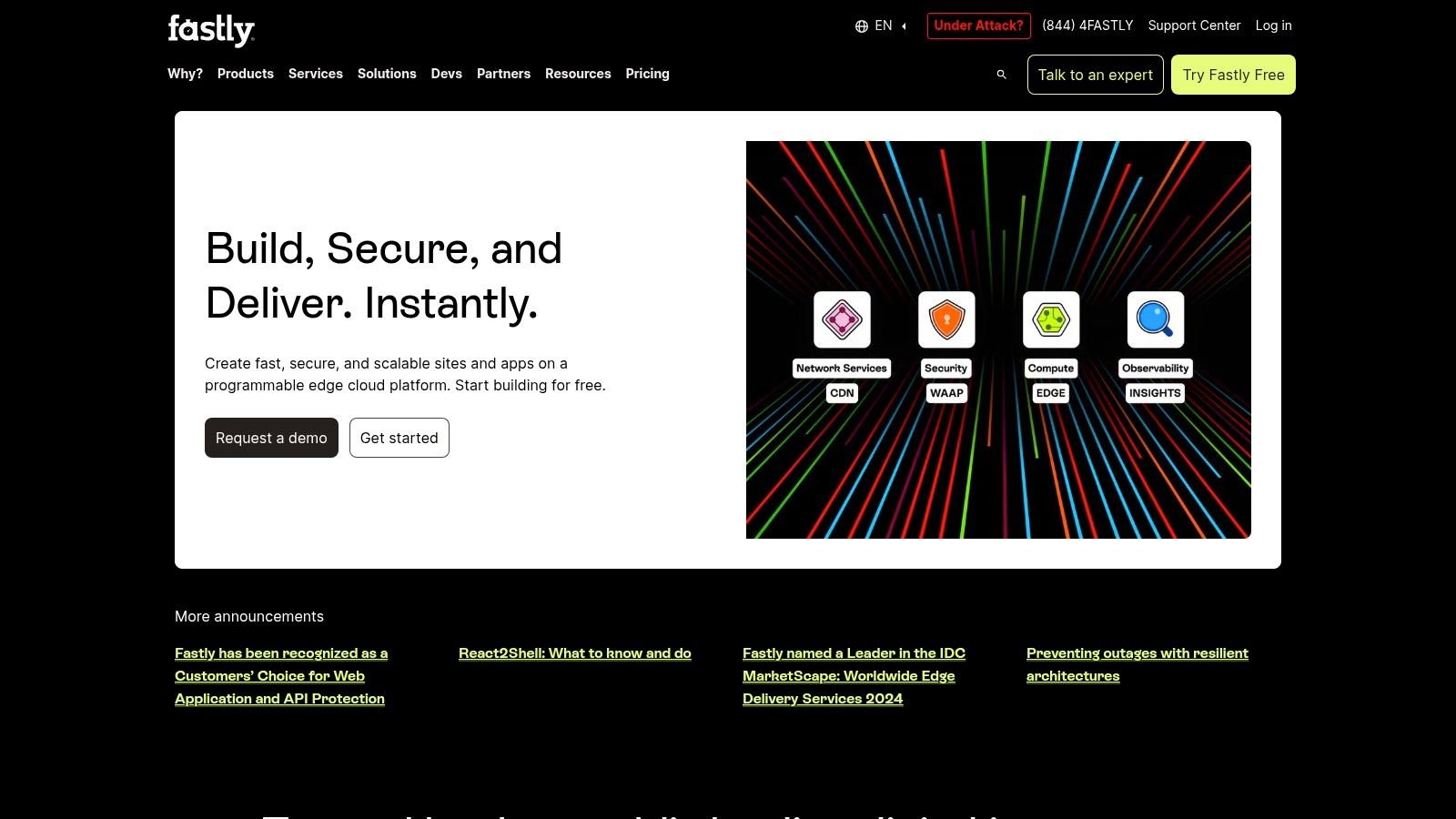
What makes Fastly distinct is its programmable edge and instant purge capability. This allows development teams to make configuration changes that propagate globally in seconds, not minutes. This agility is essential for dynamic platforms, like e-commerce sites running flash sales or media outlets publishing breaking news, where content freshness directly impacts user engagement and revenue.
Key Features & Use Cases
- Edge Caching with Programmable Delivery: Ideal for high-traffic sites, including headless e-commerce and API-driven platforms. Developers can write custom logic to manage how content is cached and delivered, optimizing for complex application stacks and improving Core Web Vitals at scale.
- Fastly Image Optimizer: A critical feature for media-heavy and e-commerce businesses. It provides real-time image transformations and serves assets in modern formats like WebP and AVIF, significantly reducing page weight without manual intervention.
- Strong Observability and Instant Purge: Perfect for businesses that cannot afford outdated content. The ability to purge cached content instantly worldwide ensures that updates, price changes, or retractions are reflected immediately for all users.
Website: https://www.fastly.com
3. Akamai Ion
For large-scale operations like global e-commerce storefronts or high-traffic media sites, Akamai Ion provides an enterprise-grade web performance suite. It operates on Akamai’s extensive global network, offering a robust solution that goes beyond standard CDN caching. Its strength lies in its ability to adapt optimizations based on real-time conditions, ensuring performance is maintained even with complex, dynamic content and numerous third-party scripts.
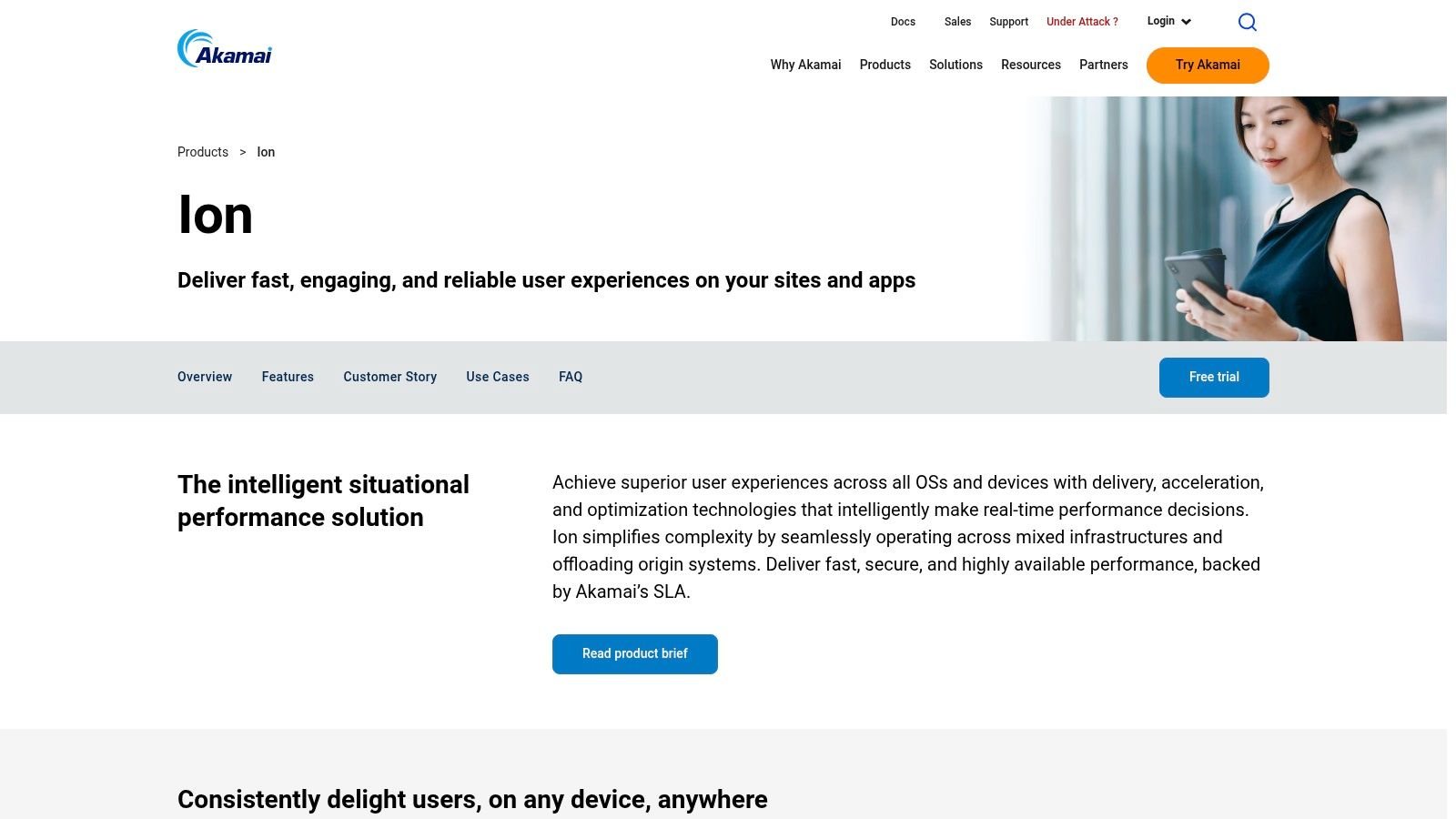
Akamai distinguishes itself with a consultative approach, which is ideal for businesses needing to balance personalization with speed. This makes it one of the premier website speed optimization tools for enterprises that require dedicated support and service-level agreements (SLAs). While its power is immense, implementation typically involves specialist support, reflecting its focus on complex, high-stakes digital properties rather than small business websites.
Key Features & Use Cases
- Adaptive Intelligence: Perfect for large e-commerce sites with dynamic user experiences. The platform automatically adjusts how content is delivered based on device type, network quality, and browser, ensuring optimal performance for every visitor.
- Front-End Optimizations (FEO): Businesses struggling with render-blocking resources can benefit from features like preconnect, early hints, and resource prioritization. This helps browsers load critical assets first, improving perceived performance and Core Web Vitals.
- Integrated Real-User Monitoring (RUM): Through its mPulse integration, Akamai offers deep insights into how actual users experience your site. This data is invaluable for identifying specific performance bottlenecks that impact conversions and allows you to fine-tune your optimization strategy.
Website: https://www.akamai.com/products/web-performance-optimization
4. bunny.net
For businesses and agencies seeking pragmatic performance without a large financial commitment, bunny.net presents itself as one of the most cost-effective website speed optimization tools. Its core offering is a high-speed global Content Delivery Network (CDN) designed for simplicity and efficiency. It caches your website’s static assets across its worldwide network, ensuring users receive content from the nearest server for faster page loads and a better experience.

What makes bunny.net a strong choice, particularly for small to medium-sized businesses, is its straightforward setup and powerful Bunny Optimizer add-on. This tool automates complex tasks like image processing, on-the-fly WebP conversion, and minification of CSS/JS files. It delivers many of the benefits of a premium optimization suite directly at the edge, reducing server load and simplifying your performance stack. This approach is ideal for businesses needing to improve site speed to generate more leads without a complex setup.
Key Features & Use Cases
- Bunny Optimizer: An excellent add-on for businesses looking to automate asset optimization. It handles image resizing, compression, and minification at the network edge, freeing up your server and developer resources.
- Global CDN with Per-Pull-Zone Controls: Ideal for agencies managing multiple client sites or businesses with distinct regional audiences. You can create separate zones with unique caching rules, providing granular control over how content is delivered.
- Predictable Costs: Startups and local businesses can adopt a world-class CDN with minimal upfront cost and a predictable pricing structure, making it a scalable solution as your website traffic grows from successful SEO and Google Ads campaigns.
Website: https://bunny.net
5. QUIC.cloud CDN
For WordPress sites running on a LiteSpeed or OpenLiteSpeed server, QUIC.cloud is one of the most powerful website speed optimization tools available. It’s not just a general-purpose CDN; it’s a content delivery network purpose-built to integrate deeply with the LiteSpeed Cache (LSCache) plugin. This synergy allows for dynamic, full-page caching that standard CDNs often struggle with, especially for complex sites with logged-in users or e-commerce functionality like WooCommerce.
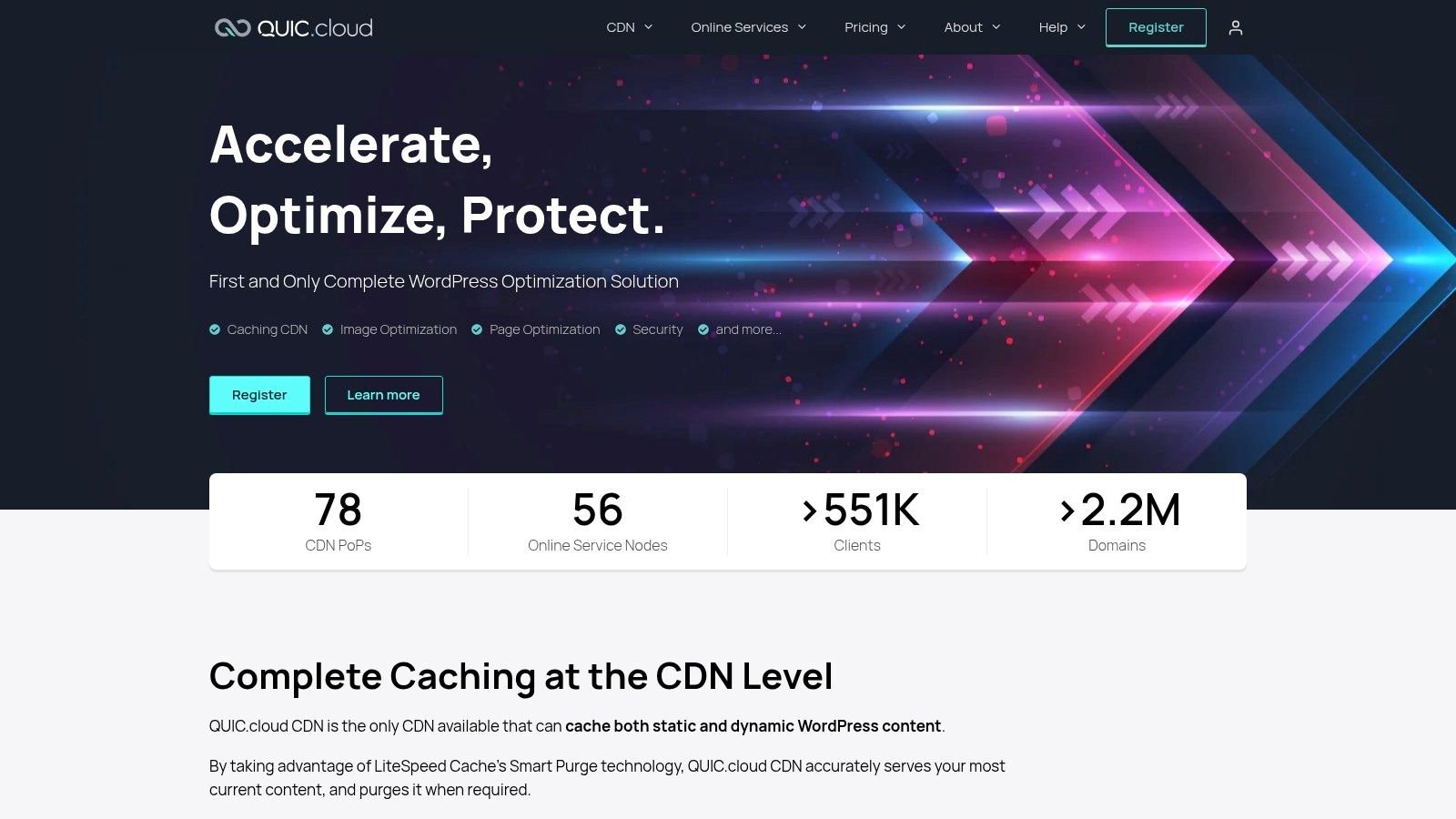
The primary advantage of QUIC.cloud is its ability to serve a fully cached version of a page even to logged-in users or during a WooCommerce checkout process. By communicating directly with LSCache, it can intelligently bypass caching for certain private elements while still delivering the majority of the page from its global edge network. This results in significant Time to First Byte (TTFB) improvements and a faster experience for all users, not just anonymous visitors.
Key Features & Use Cases
- Deep Integration with LiteSpeed Cache: Ideal for WordPress and WooCommerce businesses hosted on LiteSpeed servers. This combination can dramatically improve Core Web Vitals scores by solving complex caching challenges. If your marketing efforts are driving significant traffic, ensuring a fast experience for every user is key to converting leads.
- Dynamic Full-Page Caching: Businesses with membership portals, e-commerce stores, or other sites requiring user logins can serve cached content to these users, a task that often requires complex custom development or compromises speed.
- Integrated Online Services: Beyond the CDN, QUIC.cloud offers image and page optimization services. This allows businesses to access critical optimizations without committing to a fixed plan, paying only for what they consume.
Website: https://www.quic.cloud
6. LiteSpeed Cache for WordPress
For businesses whose websites are hosted on a LiteSpeed or OpenLiteSpeed server, this free, all-in-one plugin is one of the most powerful website speed optimization tools available. It provides a server-level full-page cache, meaning it processes content much faster than typical PHP-based caching plugins. This direct integration with the server architecture gives it a significant performance advantage, making it a top choice for those with compatible hosting.
The plugin’s effectiveness stems from its deep integration. It handles dynamic content with Edge Side Includes (ESI) support and offers object cache integration, which helps reduce database load. Its extensive feature set covers everything from asset optimization to image compression, often eliminating the need for multiple separate plugins.
Key Features & Use Cases
- Server-Level Full-Page Caching: Ideal for e-commerce stores and membership sites on LiteSpeed hosting. Its ability to cache dynamic content and user-specific pages improves performance for logged-in users, a critical factor for boosting conversions and securing repeat business.
- All-in-One Optimization Suite: Small businesses looking to simplify their optimization stack can use LiteSpeed Cache to handle image optimization, critical CSS generation, and JavaScript deferral. This consolidation reduces plugin conflicts and streamlines website management.
- QUIC.cloud CDN Integration: Any WordPress site, even those not on a LiteSpeed server, can use the plugin to connect to the QUIC.cloud CDN. This provides a global content delivery network and access to remote optimization features, helping local businesses serve a wider audience with faster load times.
Website: https://wordpress.org/plugins/litespeed-cache/
7. WP Rocket
For WordPress users seeking a powerful yet straightforward solution, WP Rocket stands out as one of the most effective website speed optimization tools. It’s a premium caching plugin that bundles numerous performance features into a single, user-friendly package. Its key strength lies in applying about 80% of web performance best practices right after activation, making it ideal for business owners who need immediate results without a steep learning curve.

What makes WP Rocket a top choice for small and medium businesses is its ability to handle complex optimizations like delaying JavaScript execution and removing unused CSS with simple toggles. These features are critical for improving Core Web Vitals but often require technical expertise. WP Rocket automates this process, providing a stable and reliable way to boost site speed and user experience with minimal effort. This is particularly valuable when considering the overall pros and cons of using WordPress, as performance can be a major factor.
Key Features & Use Cases
- One-Click Optimization: Perfect for business owners or marketers who aren’t developers. The plugin automatically applies page caching, browser caching, and GZIP compression upon activation for instant speed gains.
- File Optimization Controls: Its features to “Remove Unused CSS” and “Delay JavaScript execution” are essential for businesses looking to pass Core Web Vitals. This directly addresses render-blocking resources that slow down page load times.
- Asset Preloading: The plugin can automatically preload fonts and generate critical path CSS, ensuring that the most important visual elements of your site load first. This improves perceived performance for visitors. While WP Rocket is a top-tier performance tool, exploring the best WordPress plugins can help you build a complete toolkit for security, SEO, and other business needs.
Website: https://wp-rocket.me
8. FlyingPress
For WordPress site owners who prioritize stability and top-tier Core Web Vitals scores without an overwhelming number of settings, FlyingPress emerges as a leading performance plugin. This developer-friendly tool is specifically built to improve real-user experience metrics like Largest Contentful Paint (LCP) and Total Blocking Time (TBT). Its lightweight nature ensures it optimizes your site without adding unnecessary bloat.
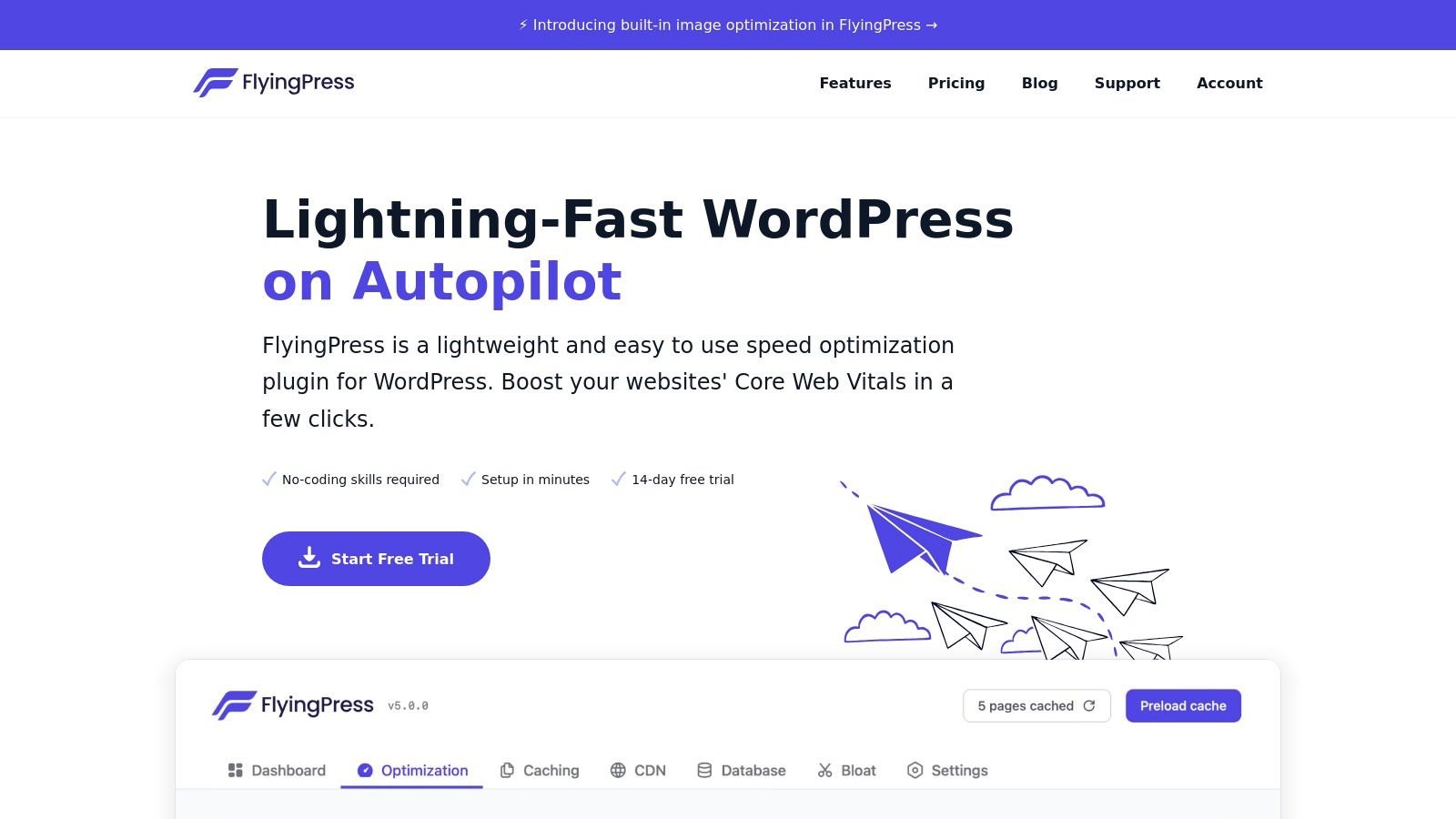
What distinguishes FlyingPress among other website speed optimization tools is its focused simplicity. While other plugins offer endless toggles, FlyingPress provides the most critical optimizations out-of-the-box with minimal configuration. This approach delivers immediate performance gains, making it a powerful choice for businesses that need fast, reliable results without a steep learning curve.
Key Features & Use Cases
- Intelligent Caching and CSS Optimization: Ideal for service businesses and e-commerce stores on WordPress that need to pass Core Web Vitals. It generates critical CSS, removes unused CSS, and delays non-essential scripts automatically, directly addressing common causes of poor load times.
- Lightweight and Stable: Businesses that cannot afford site downtime or conflicts from complex plugins will find its stability a major benefit. Its focused feature set reduces the chance of theme or plugin compatibility issues.
- Built-in CDN and Asset Handling: The plugin simplifies content delivery by rewriting URLs for your chosen CDN. It also includes lazy rendering for iframes and images, ensuring above-the-fold content loads first for a faster perceived speed. This is crucial for local businesses trying to capture leads with a quick, responsive mobile experience.
Website: https://flyingpress.com
9. NitroPack
NitroPack operates as a hosted optimization layer, offering an all-in-one approach to speed that goes beyond typical plugins. It handles complex tasks like caching, HTML minification, image optimization, critical CSS generation, and script management automatically. This makes it an excellent choice for teams needing a powerful, cross-platform solution without requiring deep technical knowledge. Its main draw is its minimal-setup, set-it-and-forget-it nature.
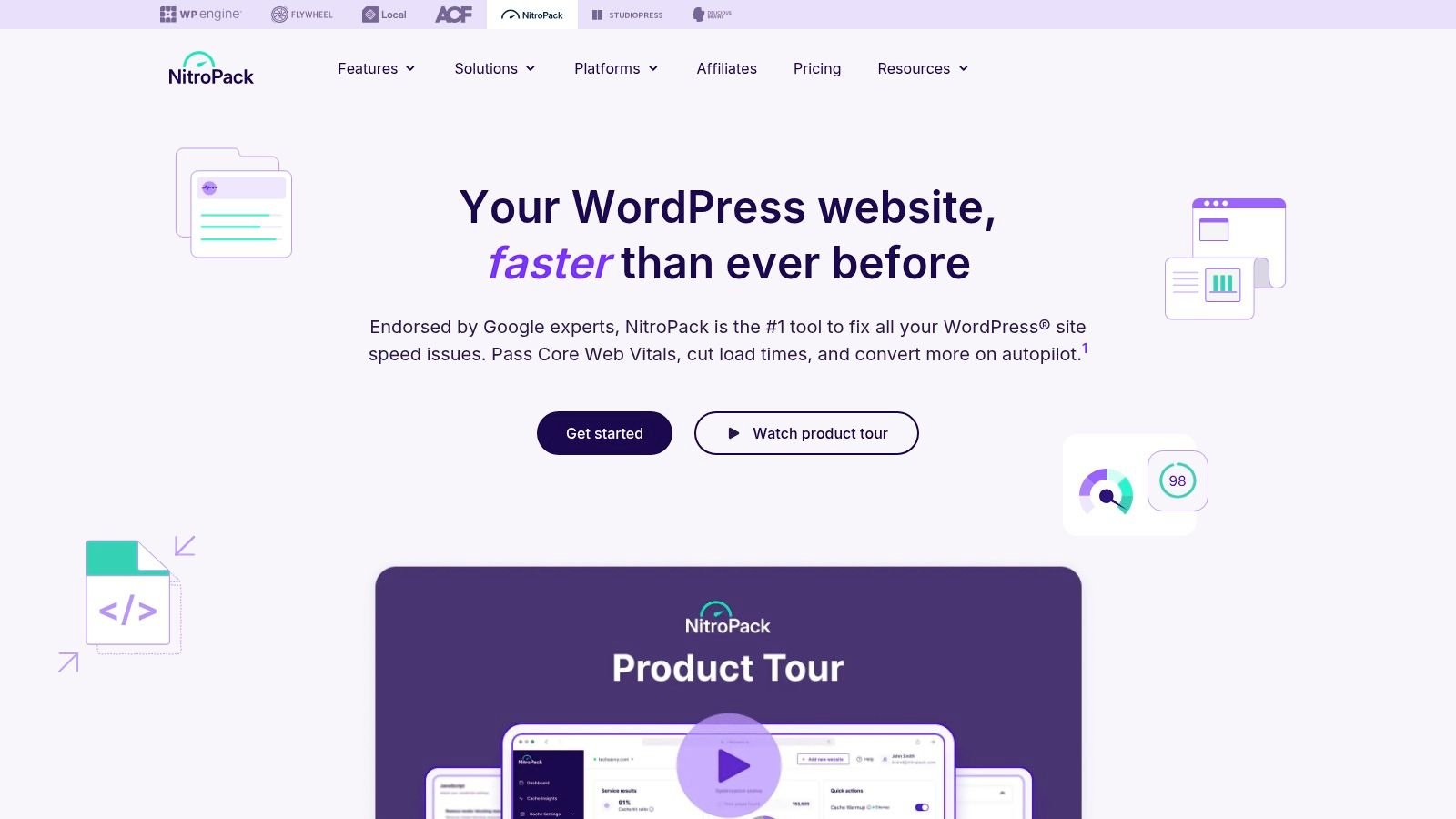
What distinguishes NitroPack among website speed optimization tools is its hosted service model. Instead of running processes on your server, it performs optimizations in the cloud and serves the optimized content via its built-in CDN. This reduces the load on your own hosting and delivers a fast experience, which is a critical part of any effective website conversion guide. It’s a strong option for businesses on WordPress, Shopify, or WooCommerce that want fast time-to-value.
Key Features & Use Cases
- Automatic Critical CSS and Resource Optimization: Ideal for businesses that want to pass Core Web Vitals without manually identifying and deferring render-blocking resources. NitroPack handles this automatically in the cloud.
- Hosted Caching & Built-in CDN: A great fit for e-commerce sites (WooCommerce, Shopify) or any business wanting an integrated solution. It combines advanced caching with a global CDN, simplifying the optimization stack significantly.
- Cross-Platform Support: Unlike many WordPress-exclusive tools, NitroPack supports multiple CMSs. This is perfect for agencies or businesses managing a portfolio of sites on different platforms.
Website: https://nitropack.io
10. Perfmatters
While many website speed optimization tools focus on caching and content delivery, Perfmatters takes a different approach by focusing on surgical reduction. This lightweight WordPress plugin is designed to trim the fat from your site by disabling unnecessary features and scripts that add bloat and slow down rendering. It works alongside your existing caching plugin, not as a replacement, to give you granular control over what assets load on each page.
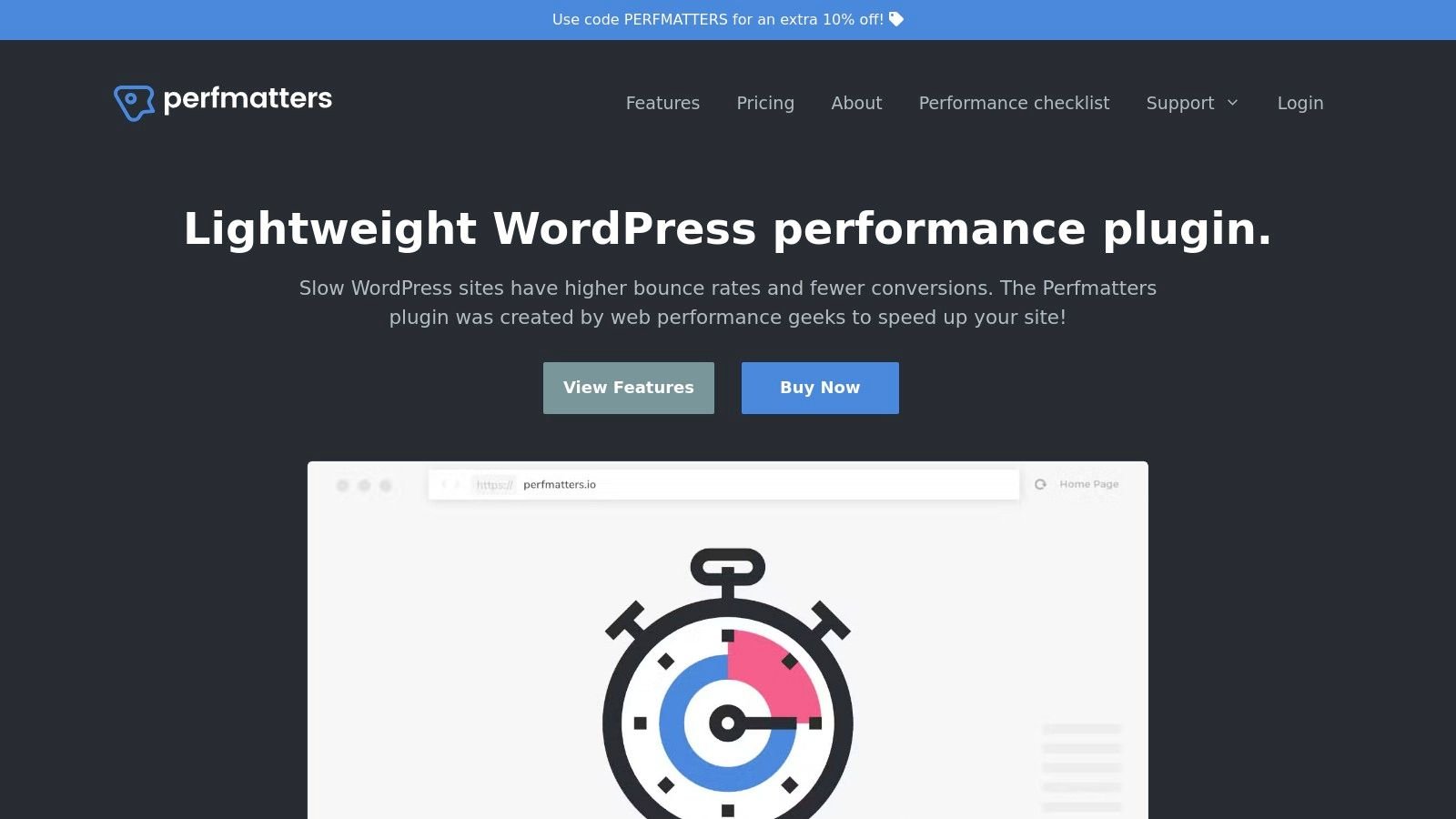
The real power of Perfmatters lies in its Script Manager. This feature allows you to selectively disable specific CSS and JavaScript files on a per-page or sitewide basis. For businesses, this means you can prevent a contact form plugin’s scripts from loading on your blog or stop a slider’s assets from loading on your services pages. This precision reduces main-thread work and directly improves metrics like Total Blocking Time (TBT) and Interaction to Next Paint (INP), which are critical for user experience.
Key Features & Use Cases
- Script Manager: Ideal for businesses that use multiple plugins but want to prevent code from loading where it isn’t needed. This fine-tuned control is a significant step beyond what most caching plugins offer.
- Delay JS Execution: A powerful tool for improving initial page load times. You can delay non-critical JavaScript, like tracking scripts or widgets, until a user interacts with the page, ensuring the most important content loads first.
- Local Analytics and Fonts: Hosting Google Analytics and fonts locally can eliminate extra DNS lookups and give you more control over caching. This small change is a common recommendation seen in a professional site review example for improving performance scores.
- Database Optimization: Businesses with older or content-heavy sites can use this to clean up post revisions, transients, and spam comments, keeping the database lean and responsive.
Website: https://perfmatters.io
11. Cloudinary
For media-heavy websites, particularly in e-commerce, Cloudinary provides a specialized end-to-end media management pipeline that acts as a powerful website speed optimization tool. It moves beyond basic caching by offering real-time image and video transformations, optimized delivery through its built-in CDN, and advanced asset management capabilities. This makes it a crucial platform for sites where high-quality visuals are central to the user experience.
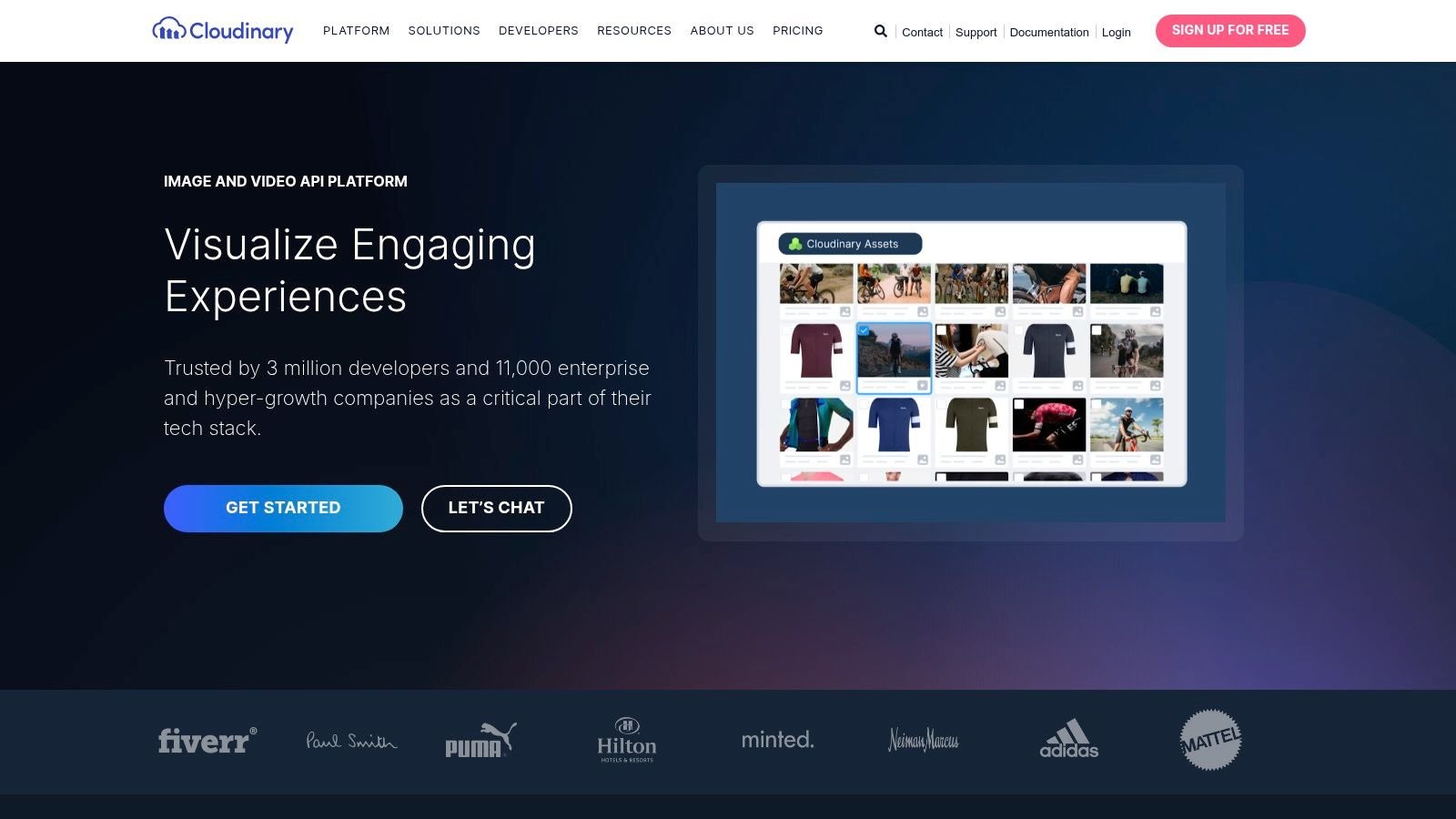
What sets Cloudinary apart is its on-the-fly media manipulation. Instead of pre-optimizing every image variant, developers can request assets with specific parameters (like size, format, and quality) via a URL. Cloudinary generates, caches, and serves that version instantly. This automated approach drastically reduces operational overhead for businesses managing large catalogs of visual content.
Key Features & Use Cases
- On-the-fly Image & Video Transformations: Ideal for e-commerce sites needing to display products in various sizes and formats. It automatically delivers next-gen formats like WebP and AVIF to supported browsers, shrinking file sizes without manual work. This is a critical factor when choosing the right e-commerce platform, as media performance directly impacts sales.
- Digital Asset Management (DAM): Businesses with large media libraries can use its DAM features for organizing, tagging (often with AI), and governing assets. This ensures brand consistency and efficient workflows for marketing teams.
- Adaptive Bitrate Streaming for Video: Perfect for websites with video content, as it adjusts video quality in real-time based on the user’s network conditions, preventing buffering and improving engagement.
Website: https://cloudinary.com
12. ImageKit.io
ImageKit.io functions as a specialized, developer-friendly website speed optimization tool focused entirely on media. It combines a real-time image CDN with digital asset management (DAM) capabilities, allowing businesses to optimize, transform, and deliver images globally with high efficiency. Its core strength is its ability to serve perfectly sized, device-aware images on the fly through simple URL parameters.
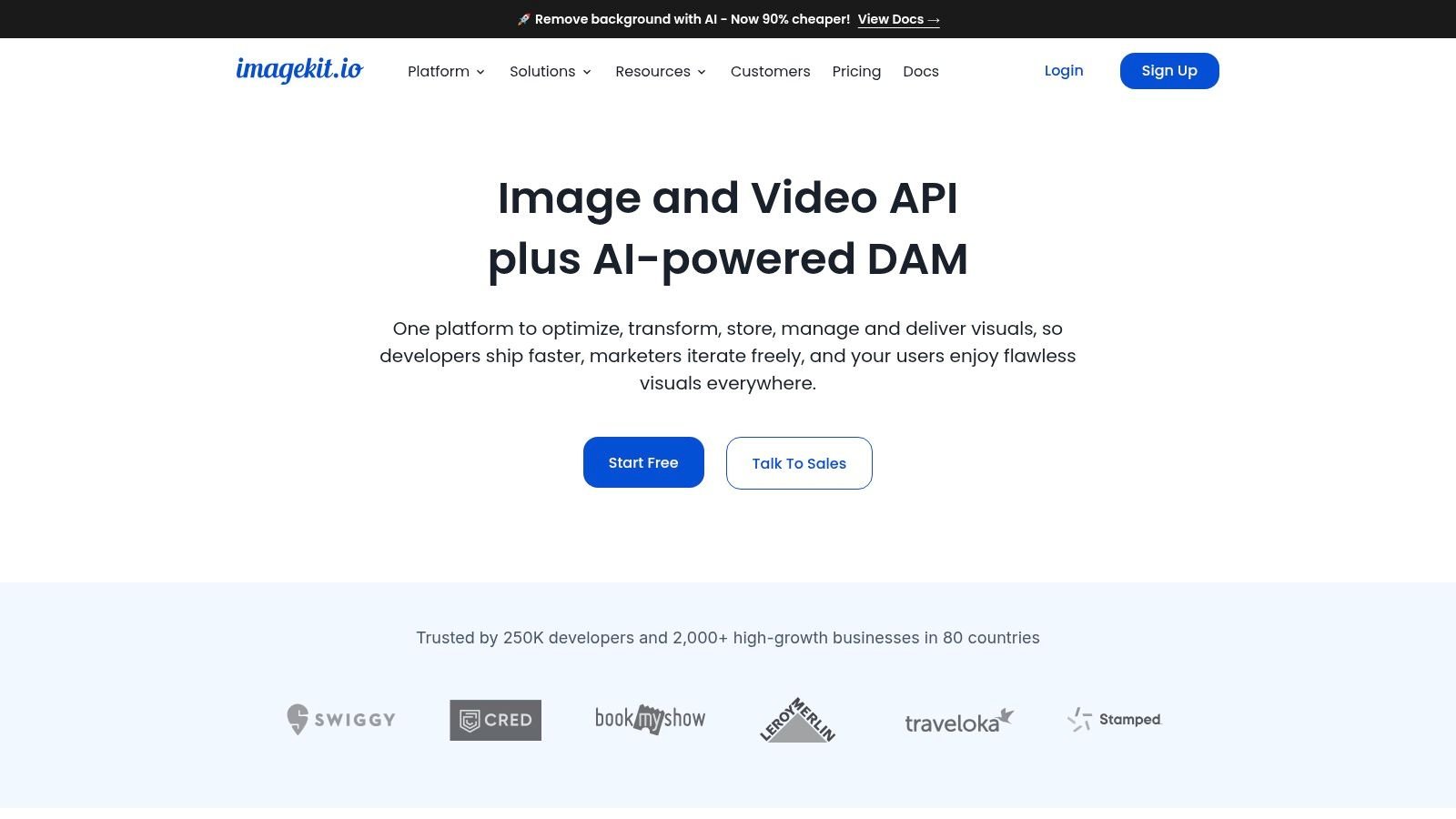
For a local business, this means a customer viewing your service photos on an iPhone will receive a smaller, faster-loading WebP image, while a user on a large desktop monitor gets a higher-resolution version. This automatic optimization directly improves Core Web Vitals and user experience without requiring you to manually create multiple image versions. Its predictable cost structure is also a significant benefit for small businesses and startups needing to forecast expenses accurately.
Key Features & Use Cases
- Real-time Image Transformation: Perfect for e-commerce or service sites that need to generate thumbnails, banners, and responsive images dynamically. You can resize, crop, and apply watermarks simply by changing the image URL.
- Automatic Format Conversion: The platform automatically converts images to next-gen formats like AVIF and WebP based on browser support. This reduces file sizes significantly, speeding up page load times which is critical for local SEO performance.
- Flexible Storage Integration: Businesses can connect their existing storage (like Amazon S3 or Google Cloud Storage) or use ImageKit’s built-in DAM. This makes it an easy addition to headless CMS setups, Shopify stores, and WordPress sites.
- Advanced Features: As your business grows, you can access a purge API for cache control, detailed analytics on bandwidth and transformations, and support for custom domains, giving you more control over your lead generation engine.
Website: https://imagekit.io
Top 12 Website Speed Optimization Tools Comparison
| Product | Core features ✨ | Performance / UX ★ | Value 💰 | Target audience 👥 | Unique selling point 🏆 |
|---|---|---|---|---|---|
| Cloudflare | ✨ Global CDN, APO (edge WP HTML), image transforms, script offload | ★★★★☆ Strong CWV gains with minimal dev work | 💰 Excellent cost‑to‑performance | 👥 SMBs, WordPress sites, agencies | 🏆 APO for WP + full‑stack edge features |
| Fastly | ✨ Edge compute, real‑time config, Fastly Image Optimizer | ★★★★★ Granular control; instant purge & observability | 💰 Usage/contract-based | 👥 High‑traffic, API/headless, dev teams | 🏆 Real‑time control for complex stacks |
| Akamai Ion | ✨ Adaptive optimizations, front‑end tuning, mPulse RUM | ★★★★☆ Enterprise‑grade tuning & RUM insights | 💰 Enterprise/contract-based | 👥 Large global storefronts, media, enterprises | 🏆 Enterprise SLAs + integrated RUM |
| bunny.net | ✨ Global CDN, Bunny Optimizer (images/minify), storage & stream | ★★★★☆ Very good latency; pragmatic performance | 💰 Very competitive for SMBs | 👥 SMBs, agencies, multi‑site deployments | 🏆 Low cost + easy rollout at scale |
| QUIC.cloud CDN | ✨ Dynamic WP full‑page caching, LSCache/WooCommerce integration | ★★★★☆ Strong CWV on LiteSpeed stacks | 💰 Cost‑efficient on LiteSpeed hosts | 👥 LiteSpeed/OpenLiteSpeed WP sites, WooCommerce | 🏆 Tight LSCache + logged‑in caching |
| LiteSpeed Cache (WP) | ✨ Server‑level full‑page cache, ESI, critical CSS, image opt | ★★★★☆ Extremely fast on LiteSpeed hosts | 💰 Free plugin with extensive features | 👥 WP sites hosted on LiteSpeed/OpenLiteSpeed | 🏆 Server‑level speed + no license fees |
| WP Rocket | ✨ Caching, Remove Unused CSS, Delay JS, preload & lazyload | ★★★★☆ Reliable out‑of‑the‑box improvements, polished UX | 💰 Premium license; time‑savings justify cost | 👥 SMB WordPress sites, non‑dev owners | 🏆 Polished UX & safe defaults for quick wins |
| FlyingPress | ✨ Page cache, critical CSS, remove unused CSS, CDN hooks | ★★★★★ Lightweight and stable; excellent CWV results | 💰 Premium plugin with trial available | 👥 WP sites prioritizing CWV stability | 🏆 Simplicity + top CWV performance |
| NitroPack | ✨ Hosted optimization + CDN, auto critical CSS, cross‑CMS | ★★★★☆ Fast time‑to‑value for non‑technical teams | 💰 Hosted plans with usage caps | 👥 Non‑technical teams, multi‑CMS shops | 🏆 All‑in‑one hosted optimization solution |
| Perfmatters | ✨ Script Manager, delay JS, local analytics/fonts, preconnect control | ★★★★☆ Low overhead; reduces main‑thread work (TBT/INP) | 💰 Lightweight paid plugin; complements caches | 👥 Devs/agencies fine‑tuning WP performance | 🏆 Granular bloat removal per page |
| Cloudinary | ✨ On‑the‑fly image/video transforms, CDN, DAM, SDKs | ★★★★★ Enterprise media delivery & automation | 💰 Credits/overages model | 👥 Media‑heavy e‑commerce, catalogs, enterprises | 🏆 Full media pipeline + DAM & automation |
| ImageKit.io | ✨ Real‑time image transforms, auto WebP/AVIF, S3/GCS integration | ★★★★☆ Responsive images with transparent delivery | 💰 Usage‑based pricing; easy to model | 👥 Dev teams, headless, Shopify, WP via URL transforms | 🏆 Transparent cost + dev‑friendly APIs |
Why Choosing a Tool Isn’t Enough for Business Growth
Navigating the world of website speed optimization tools can feel overwhelming. We’ve explored a range of powerful solutions, from foundational CDNs like Cloudflare to essential WordPress plugins like WP Rocket. Each tool offers a specific piece of the performance puzzle.
However, owning a toolbox doesn’t make you a master craftsman. A fast website that drives business growth isn’t built by just installing a plugin. True optimization is a strategic process that requires understanding how these tools interact and configuring them correctly for your specific business goals.
The Dangers of a DIY Approach
Many business owners get stuck trying to do it themselves. They spend hours on technical tweaks that yield minimal results or, worse, break their website. Common mistakes we see include:
- Installing multiple caching plugins that conflict with each other.
- Activating a CDN without configuring it to cache the right assets.
- Focusing on a perfect “speed score” while ignoring what actually drives leads.
The real challenge is not choosing a tool, but implementing a cohesive speed strategy that aligns with your lead generation goals. This is where the value of an experienced partner becomes clear. A professional doesn’t just install tools; they diagnose underlying issues, configure a synergistic stack of solutions, and measure success based on the metrics that matter: leads, calls, and revenue.
For example, a faster site for a local business can mean outranking competitors in “near me” searches and getting more calls from Google Maps. For a B2B firm, it translates to more form submissions from high-value prospects. Our process ensures your website’s speed directly supports these outcomes, improving your Google Ads Quality Score and Local SEO visibility to maximize your return on investment.
Can I Just Do This Myself?
While some tools are user-friendly, achieving optimal performance that translates to business growth requires expertise. Can you afford the downtime if a plugin conflict takes your site offline? Do you have time to learn the nuances of CDN configuration, asset prioritization, and database optimization?
For most business owners, the answer is no. Your time is better spent running your business, not troubleshooting technical issues. The value of professional optimization lies in achieving superior results faster and more reliably, freeing you to focus on what you do best.
Your Actionable Path to a High-Converting Website
Choosing from the list of website speed optimization tools is your first step. Your next, more important step is to build a plan. Stop thinking in terms of “which plugin is best” and start thinking in terms of “what outcome do I need?” Do you need more phone calls from local search? Faster page loads to improve your Google Ads campaign ROI?
If your goal is to generate more leads, appointments, and sales, your focus must shift from tinkering with settings to implementing a professional, results-driven strategy. The difference between a DIY approach and expert guidance is the difference between having a fast website and having a fast website that actively grows your business.
Ready to turn your website from a slow, underperforming asset into your most effective lead generation machine? Stop guessing which plugins to use and let our experts build a speed optimization strategy tailored to your business goals.
Contact us today for a complimentary consultation. We’ll show you how a faster website can drive measurable growth for your business.
